

The Hidden Frustration of Smudged and Damaged Screens
I still remember the sinking feeling in my chest three years ago when I ruined my brand-new 4K monitor. I had just sat down to edit photos, noticed an oily thumbprint right in the center, and grabbed the nearest bottle of blue glass cleaner from under the kitchen sink.
Two quick sprays and a fast wipe with a paper towel later, my heart dropped.
The spray dissolved the anti-glare film within seconds, leaving permanent milky gray smears directly across the glass. That single twenty-second shortcut cost me 450 USD in hardware damage and taught me a lesson I will never forget. Modern monitors, phone glass, and OLED TVs are nothing like the thick living room window panes of twenty years ago. They use ultra-thin optical films, oil-repelling layers, and sensitive filters that can disintegrate if you treat them like a bathroom mirror.
If you have ever tried rubbing an oily smudge off your screen with the hem of your cotton shirt—only to watch it smear into a giant hazy mess—you know how annoying dirty displays can be. You want a crisp, spotless picture without accidentally destroying a screen that took weeks of paychecks to buy. In this guide, I will share the exact desk kit and simple wipe routines I use daily so you never put a single scratch or chemical burn on your gear again.
📌 Quick Takeaways: Safe Screen Cleaning at a Glance
- Zero Direct Spraying: Never spray any liquid directly onto your monitor or TV panel. Liquid runs down into the bottom frame gap instantly and fries the main display board.
- Use Pure Distilled Water: Tap water leaves mineral spots that act like sandpaper. A single bottle of distilled water costs around 1.50 USD and will safely clean your screens for years.
- Ditch the Paper Towels: Paper napkins and tissues are made of wood pulp that creates tiny hairline scratches. Stick strictly to clean, high-density microfiber cloths.
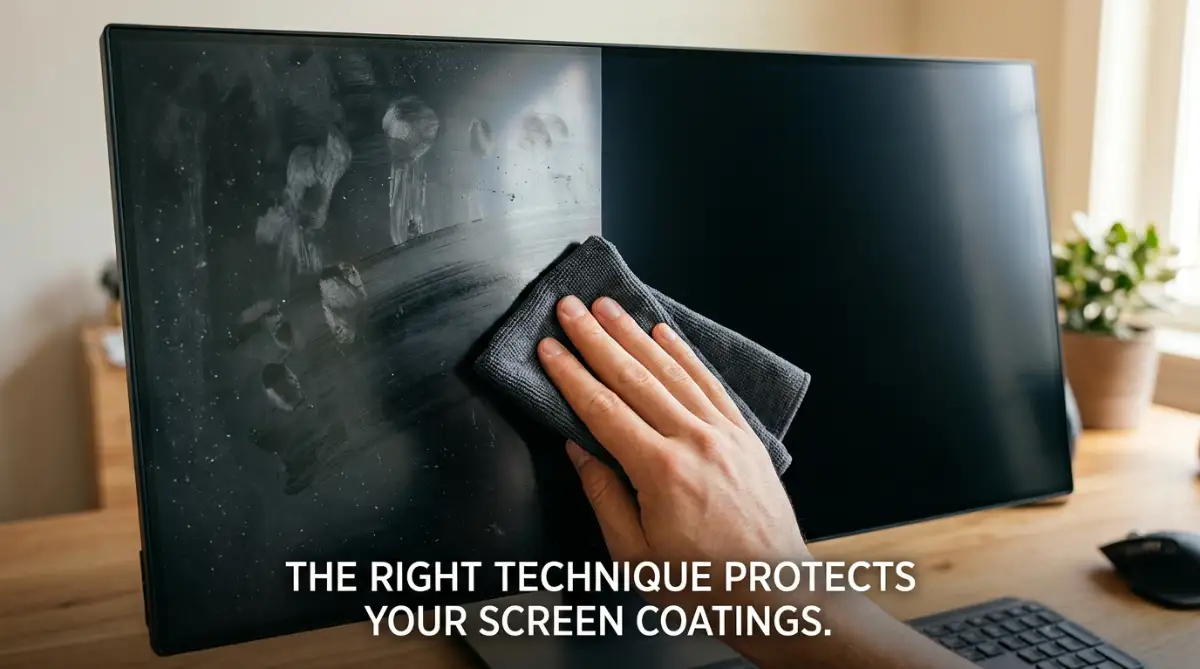
- Straight Horizontal Strokes Only: Never scrub in circular swirls. Wipe gently in straight, overlapping rows from top to bottom with zero downward muscle pressure.
Why Modern Screens Require Special Care
Old CRT computer screens from the 1990s were made of thick, heavy glass that could take a direct hit from glass cleaners without batting an eye. Today, the screen in front of you is a completely different piece of engineering. When you look at a modern monitor, phone, or slim TV, you are actually staring through a stack of delicate plastic sheets, anti-reflective coatings, and chemical filters. Knowing what actually covers your display panel helps you understand why even one wrong wipe can ruin it forever.
Most modern smartphones and touch devices feature an oleophobic coating. This invisible chemical layer repels oils from your fingers and makes swipes feel smooth.
Monitors and laptops often sport a matte anti-glare finish. This special texture diffuses ambient light so you can work comfortably near bright windows.
If you use harsh chemicals like ammonia, bleach, or high-strength isopropyl alcohol, you eat right through these coatings. Once a protective coating strips off, your screen becomes a magnet for permanent fingerprints and severe glare.
Replacing a damaged coating or an entire panel can cost almost as much as buying a brand-new device. That is why gentle, consistent methods are your absolute best line of defense.
Myth vs. Reality in Display Maintenance
There are endless myths online about quick fixes for dirty monitors, laptops, and televisions. Separating facts from bad advice will save your devices from early retirement.

Many people believe that rubbing harder gets rid of stubborn spots faster. In reality, applying direct downward pressure pushes dirt particles straight into the screen, cutting deep grooves into the outer layer.
Always let soft materials and safe liquids do the physical lifting for you instead of using muscle power.
Here is a small lesson I learned after years of trial and error: never rush a cleaning job with whatever cloth is sitting nearby. I used to grab a soft paper towel for quick wipe-downs, only to realize later that it was leaving hundreds of fine micro-scratches on my laptop screen. Swapping to a clean, high-density microfiber cloth with a mist of distilled water instantly solved my problems without risking any damage.