
The Exhausting Grind of Daily Content Creation
You sit down at your desk on a Monday morning, staring at a blank design template on your screen. You need to create five eye-catching social media posts for your brand this week, but you feel completely out of creative ideas.
I used to spend three painful hours every single day trying to design simple graphics for my business social pages. My head would hurt as I stumbled around Photoshop menus, and I constantly felt behind while my competitors posted beautiful art. I almost gave up on daily posting completely until I changed my workflow using AI tools.
You open up complicated design software like Photoshop or Illustrator, only to get lost in a forest of menus, brushes, and layers. Hours pass by as you struggle to align a single text block or choose the right background colors, leaving you feeling exhausted and frustrated.
Worse yet, you know that your competitors are posting beautiful, highly polished graphics every single day. Your simple, basic posts get ignored in the busy social media feed, making you feel like your hard work is completely invisible.
Why Traditional Graphic Design Methods Drain Your Time
When desperate business owners try to keep up with the social media grind, they often rely on incorrect methods that drain their energy and money. Rushing into standard design workflows without using modern tools leads to creative burnout and poor engagement.
Here is why traditional graphic design methods usually fail:
- Relying on generic, boring stock photos: Using the same stock pictures that everyone else is using makes your brand look unoriginal and lazy.
- Paying expensive graphic designers for daily posts: Spending hundreds of dollars on simple daily graphics is a financial model that is impossible to sustain.
- Downloading over-complicated design apps: Trying to master professional software takes weeks of learning, taking your focus away from your actual business.
- Using messy, unorganized prompts in AI tools: Typing random words into generators produces distorted, weird images that do not fit your brand.
- Cropping and resizing your graphics manually: Spending hours manually resizing a single graphic to fit Instagram, Facebook, and Twitter wastes your limited time.
How Creative Burnout Hurts Your Brand
Struggling to create daily social media content takes a heavy emotional and financial toll on your business.
- Continuous guilt over your quiet social feeds: You feel a constant wave of worry whenever you skip a posting day, ruining your peace of mind.
- A loss of your business confidence: Watching your low engagement rates makes you feel like your products or services are not good enough.
- Frustration from constantly lagging behind competitors: Knowing that others are growing their audience while you are stuck on design details adds to your daily stress.
- The financial burden of unused software subscriptions: Paying for expensive design suites that you barely know how to use drains your monthly budget.
Fortunately, you do not need to be a professional graphic designer or have a massive marketing budget to stand out online. By using modern AI image tools and understanding a few simple design rules, you can create stunning, professional-grade social media graphics in minutes.
The Practical DIY Roadmap to AI Social Media Graphics
To create beautiful social media graphics with AI, you must realize that these tools are designed to act as your personal design assistants. You do not need to paint the pictures yourself; you simply need to give the AI clear, structured directions to guide its digital brush.
Think of your AI design workflow like having a team of brilliant, high-speed assistant designers who work for you twenty-four hours a day.
Alt Text : The AI Design Team Process:
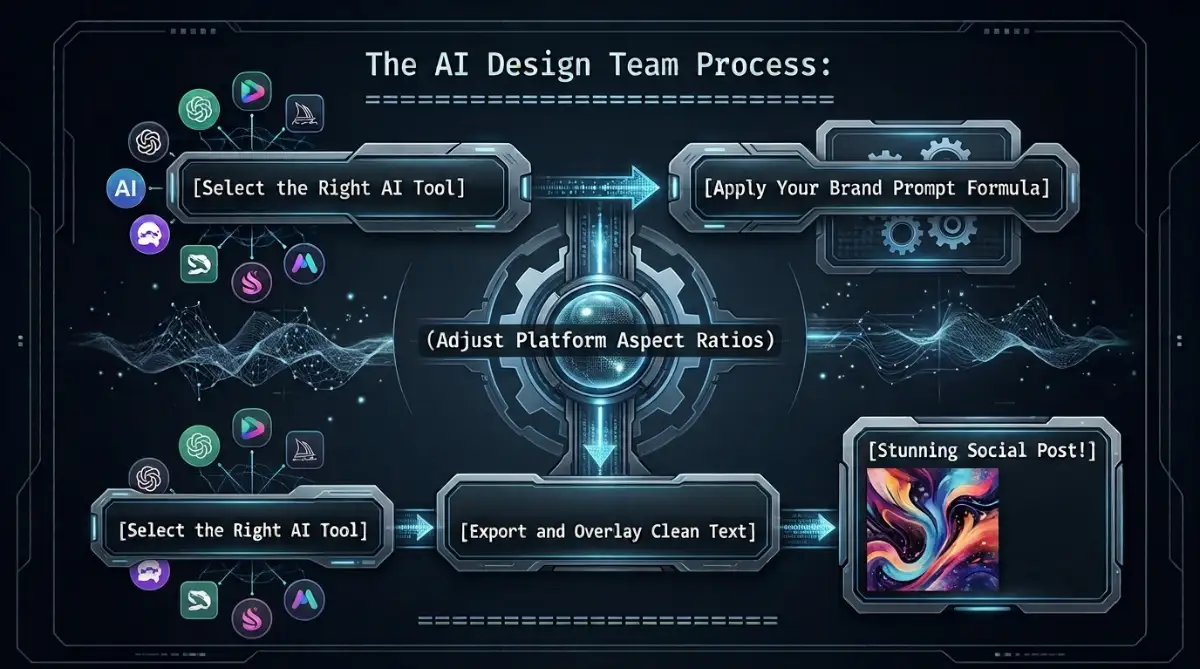
The AI Design Team Process:
=======================================
[Select the Right AI Tool] ---> [Apply Your Brand Prompt Formula]
                                           |
                              (Adjust Platform Aspect Ratios)
                                           |
[Select the Right AI Tool] ---> [Export and Overlay Clean Text] ---> [Stunning Social Post!]
=======================================
You do not need to write complex code; you simply need to choose the right tool, write a structured prompt, and adjust the layout for your platform.
We will show you the first three essential steps to master this digital design workflow safely and effectively.
Step 1: Selecting the Perfect AI Image Tool (Your Creative Toolkit)
The first step to design success is choosing the right tool for your specific creative needs. Different AI generators have different strengths when it comes to rendering styles, text, and layouts.
Comparing the Industry Leaders
For highly detailed, artistic, and cinematic imagery, Midjourney is the undisputed champion of the field.
It excels at creating rich textures, dramatic lighting, and realistic human subjects that instantly grab attention in a busy social media feed.
Alt Text : AI Design Tool Selection:
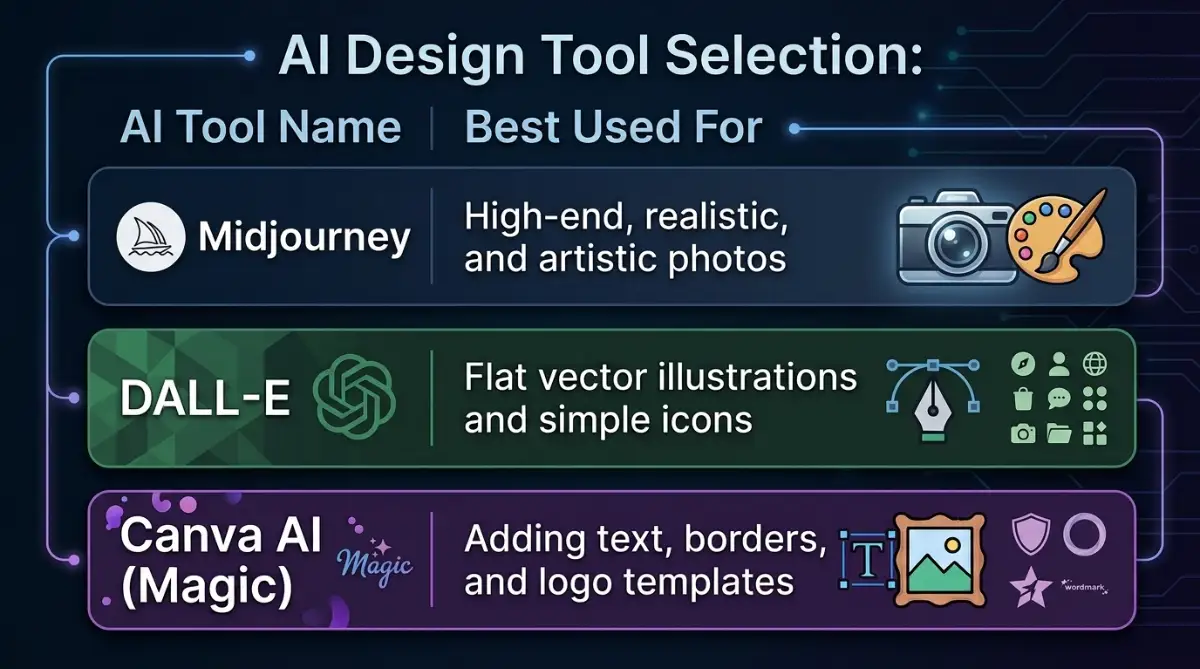
AI Design Tool Selection:
+---------------------------------------------------------------+
| AI Tool Name       | Best Used For                            |
+---------------------------------------------------------------+
| Midjourney         | High-end, realistic, and artistic photos  |
| DALL-E             | Flat vector illustrations and simple icons|
| Canva AI (Magic)   | Adding text, borders, and logo templates  |
+---------------------------------------------------------------+
If you need clean, flat vector illustrations or simple corporate icons, DALL-E is your best option.
DALL-E is built directly into Microsoft Copilot and ChatGPT, making it incredibly easy to access and use for quick, simple graphics.
The Magic of Hybrid Workflow
To get the absolute best results, we will use a hybrid workflow that combines the artistic power of AI generators with the layout control of Canva.
Generate your beautiful, background-free illustration or photo using Midjourney or DALL-E first.
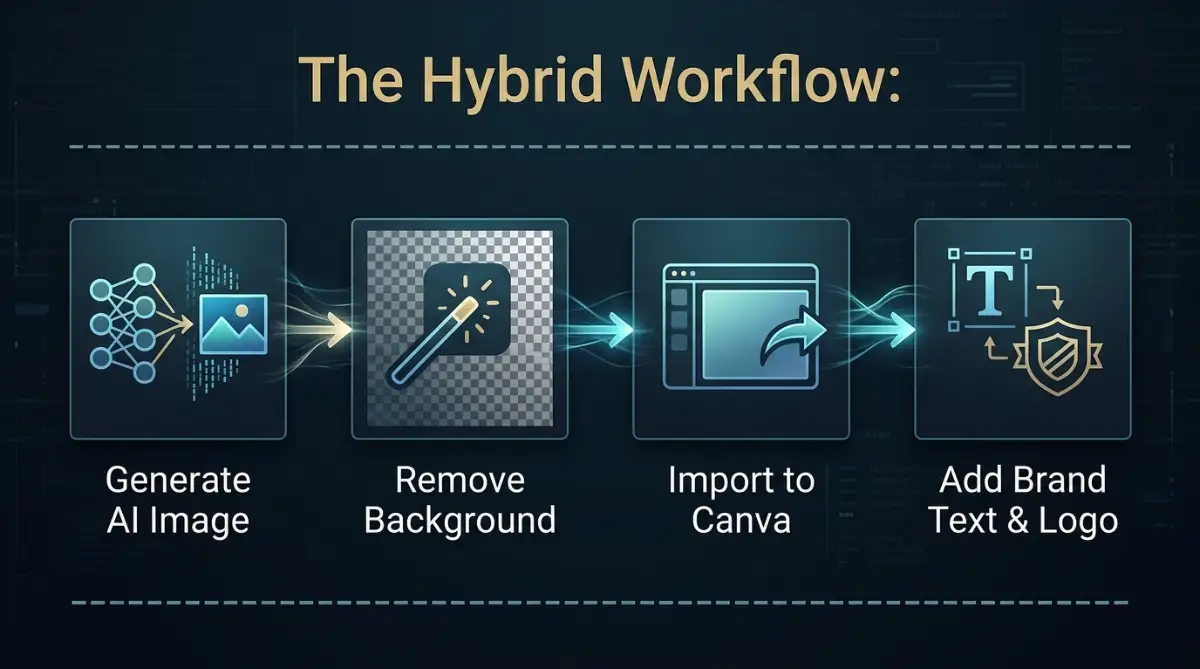
Alt Text : The Hybrid Workflow:
The Hybrid Workflow:
------------------------------------------
Generate AI Image -> Remove Background -> Import to Canva -> Add Brand Text & Logo
------------------------------------------
Want to see how easy this workflow is in action? Watch this short step-by-step video tutorial to master designing social media posts with AI and Canva, then keep reading below for the exact prompt formulas!
Import that clean AI graphic into Canva's free editor to overlay your brand's text, logo, and borders.
This hybrid method gives you the perfect balance of AI speed and human design control, ensuring your finished post looks highly professional.
Pro Tip: When I first started, I tried to force AI generators to spell out my headline text inside the image. It failed every time and looked terrible! Save yourself the headache by generating clean background pictures first, then type your words inside Canva using clean fonts.
Step 2: Designing a Consistent Prompt Formula (The Brand Identity Secret)
One of the biggest mistakes business owners make when using AI is generating completely different styles of images for every post.
If your Instagram grid has a cartoon illustration on Monday, a dark cinematic photo on Wednesday, and a bright flat vector on Friday, your page will look messy and unorganized.
Creating Your Brand's Visual Rulebook
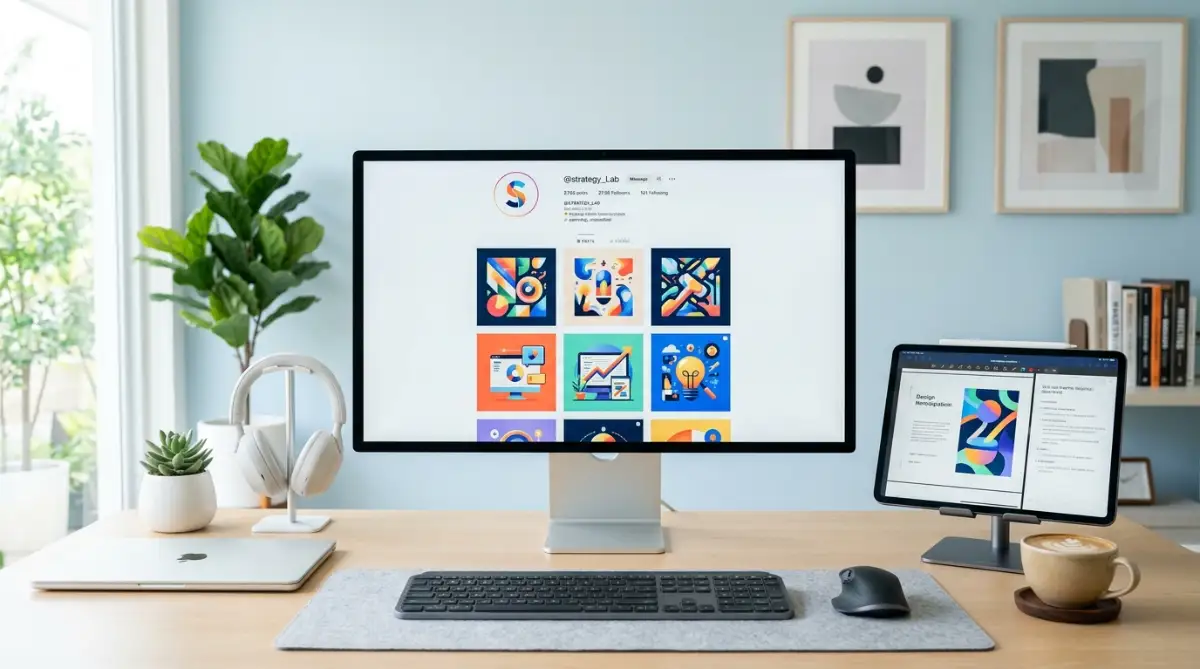
To build a professional online presence, your social media feed must feature a consistent visual style, color palette, and mood.
Think of your grid like a physical store's display window; every item must fit together to tell a single, unified brand story.
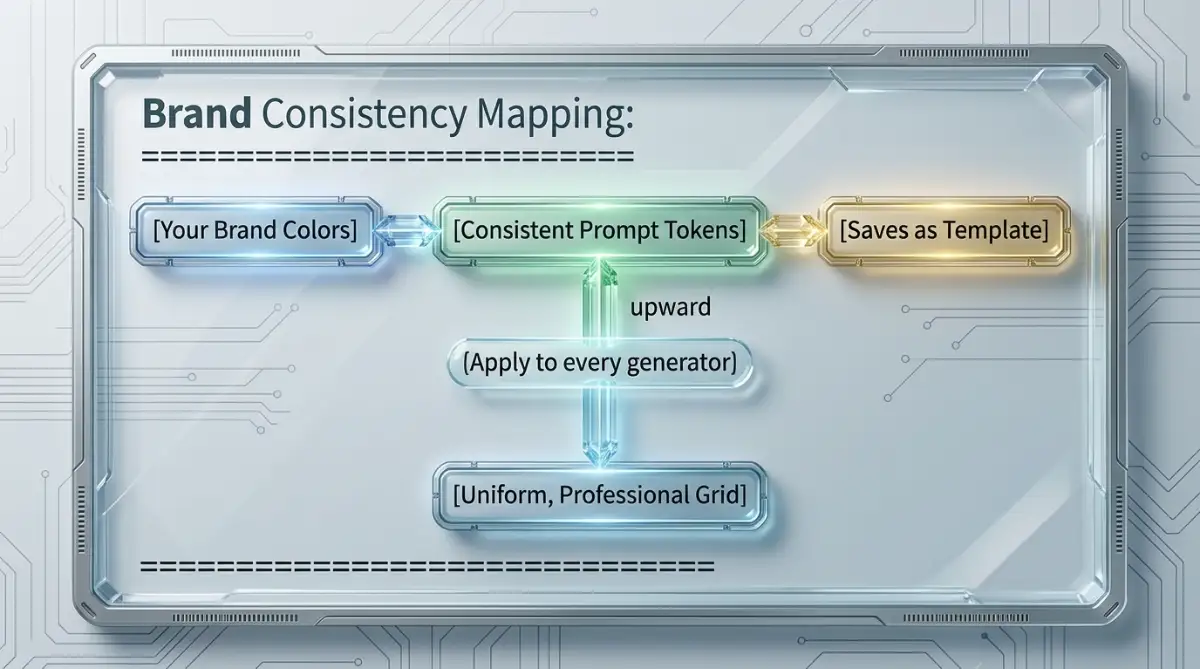
Alt Text : Brand Consistency Mapping:
Brand Consistency Mapping:
=======================================
[Your Brand Colors] ---> [Consistent Prompt Tokens] ---> [Saves as Template]
                                    |
                        (Apply to every generator)
                                    |
                        [Uniform, Professional Grid]
=======================================
This consistency is what makes your target audience recognize your posts instantly as they scroll through their feed.
Crafting Your Prompt Template
To achieve this uniform look, design a simple prompt template that you can reuse for all your monthly content.
Choose one specific art style and keep those style tokens at the end of every prompt you write.
- For a modern tech brand: "[Your Subject], flat vector illustration, minimalist, corporate color palette, high contrast, clean white background"
- For a warm lifestyle brand: "[Your Subject], warm lifestyle photography, soft morning sunlight, pastel color tones, shallow depth of field"
Simply change the "[Your Subject]" token for each post, while keeping the rest of the style tokens identical.
This simple formula ensures that every image you generate will feature the exact same colors, lighting, and art style, creating a beautifully unified social media feed.
Step 3: Setting the Perfect Aspect Ratios for Each Platform
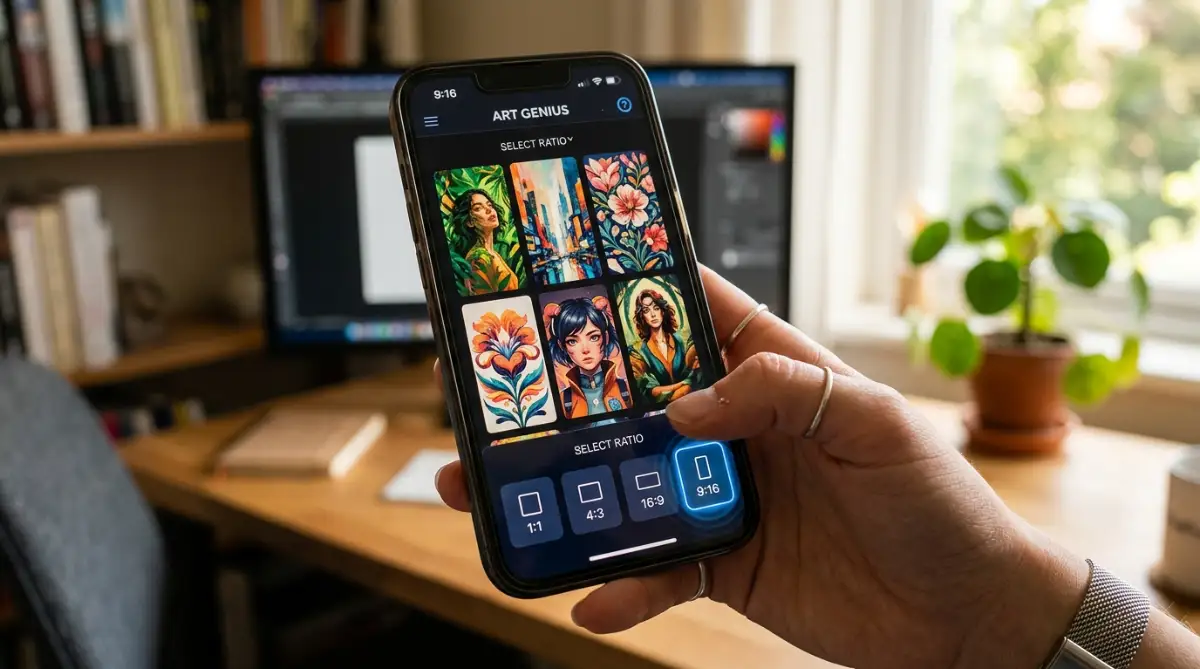
Once you have your brand prompt template ready, you must ensure your images are generated in the correct dimensions.
If you try to stretch a square image to fit a vertical story, your graphic will look blurry, distorted, and highly amateurish.
The Layout Guidelines for Social Media
Different social media platforms require different image dimensions,