
A few years back, I dropped over a thousand dollars on a brand-new flagship phone. The salesperson swore it had the fastest chip ever built. But by lunchtime, my pocket felt like a mini frying pan, and the battery was already begging for a wall charger. When I opened the spec sheet, I got hit with a wall of confusing letters: SoC, NPU, ISP, and GHz ratings that sounded like pure marketing fluff.
I wasted weeks trying to figure out why my pricey tech felt so clunky. That messy experience made me tear down specs, talk to real hardware builders, and learn how microchips actually work. You work hard for your money, and you should never feel tricked by slick marketing buzzwords. Here is my straightforward, zero-nonsense guide to how modern silicon really runs your devices.
📌 Quick Takeaways: What You Need to Know in 30 Seconds
- All-in-One Power (SoC): Modern gadgets combine the processor, graphics, memory, and AI brain onto one tiny silicon die to save battery and cut heat.
- Smart Core Clusters: Your phone uses small efficiency cores for texting and heavy performance cores only when you play games or export video.
- Unified Memory Matters: A big memory highway shared by all chips beats raw processor clock speed every single time.
- Architecture Over Megahertz: A newer 3.0 GHz chip finishes tasks faster and cooler than an old, hot 4.0 GHz processor because of better efficiency (IPC).
What Is a System on a Chip and Why Did It Replace Old Computer Parts?
Think back to how traditional desktop computers were built inside big metal boxes. You had a massive main circuit board holding separate parts connected by physical wires and slots.
The main brain sat in one slot while the graphics card plugged into another huge slot further down. Memory sticks snapped into separate sockets, and sound cards had their own dedicated spaces.
While that traditional setup worked great for desktop towers, it created huge problems for portable devices. Separate parts take up massive physical space and consume vast amounts of electrical power.
Signals had to travel long physical distances across motherboard copper traces to share data. That long distance created noticeable heat, wasted energy, and slowed down total processing speed.
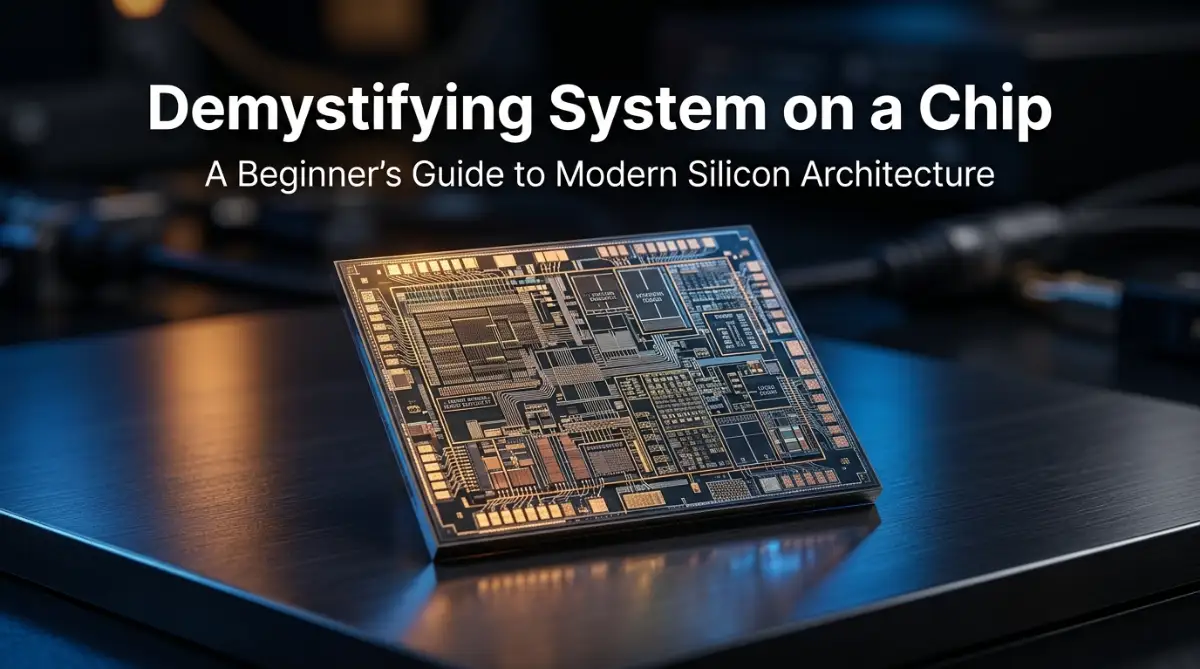
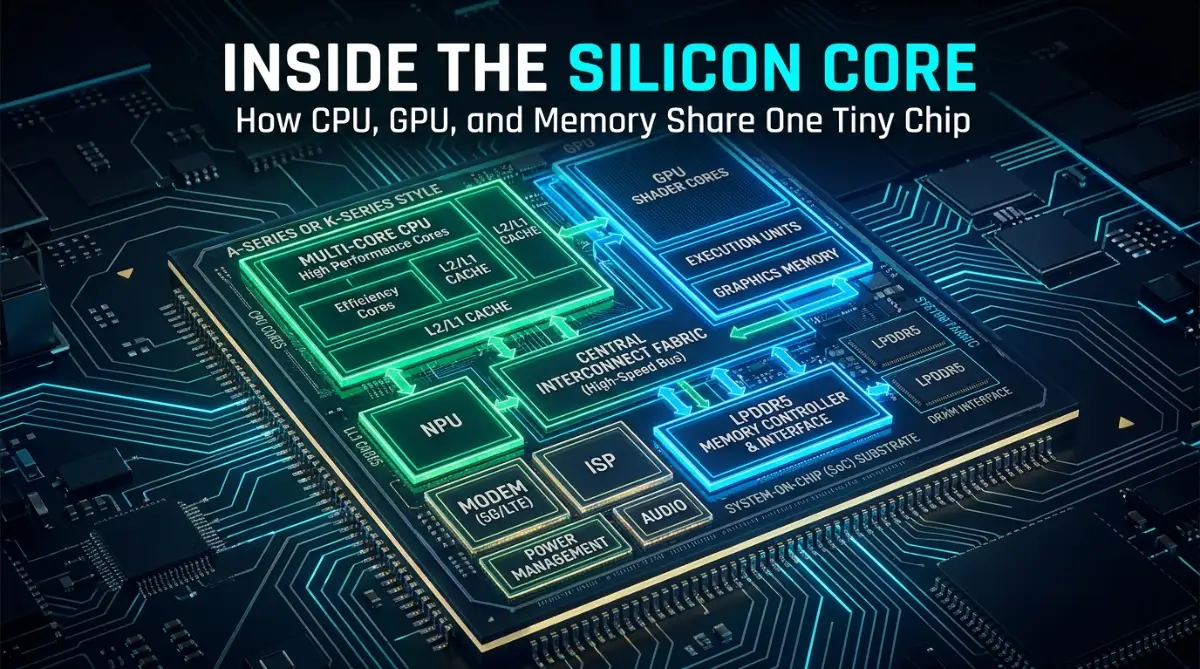
A System on a Chip (SoC) fixes this problem by packing all those separate components onto one tiny silicon die. Instead of spreading parts across a large board, chip designers print everything onto a single piece of silicon smaller than a postage stamp.
This tight integration means signals travel microscopic distances instead of inches across a printed board. As a result, your device runs significantly faster while using a small fraction of the battery power.
🖥️ Traditional Desktop Setup
Path: [ CPU ] ⟷ Long Motherboard Traces ⟷ [ GPU ] ⟷ [ RAM ]
- Slower data flow across physical copper traces
- Significantly higher power consumption
- Generates excess heat requiring bulky fans
⚡ Modern System on a Chip (SoC)
Path: [ CPU + GPU + NPU + ISP + RAM ] on a Single Silicon Die
- Microscopic nanometer signal travel distances
- Ultra-fast zero-latency throughput
- Maximum energy efficiency with minimal thermals
By placing the primary computing engine, graphics, and memory controllers on one surface, engineers eliminated unnecessary power drain. That single shift revolutionized smartphones, modern thin laptops, smartwatches, and tablet devices forever.